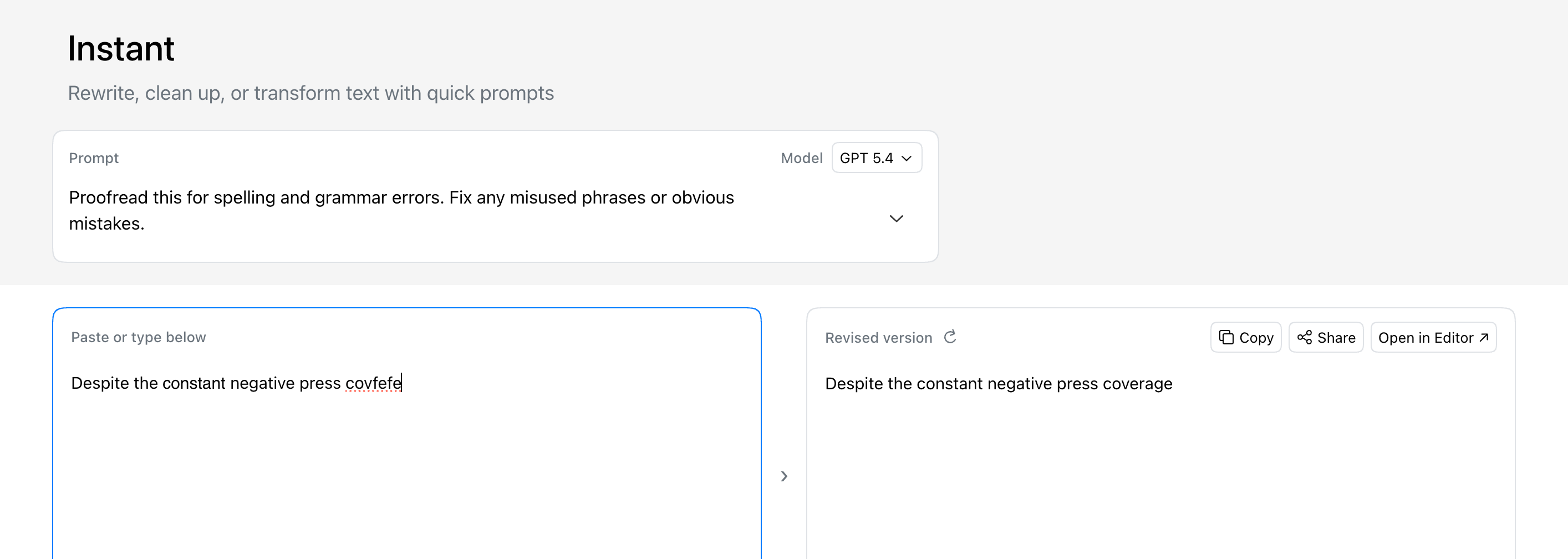
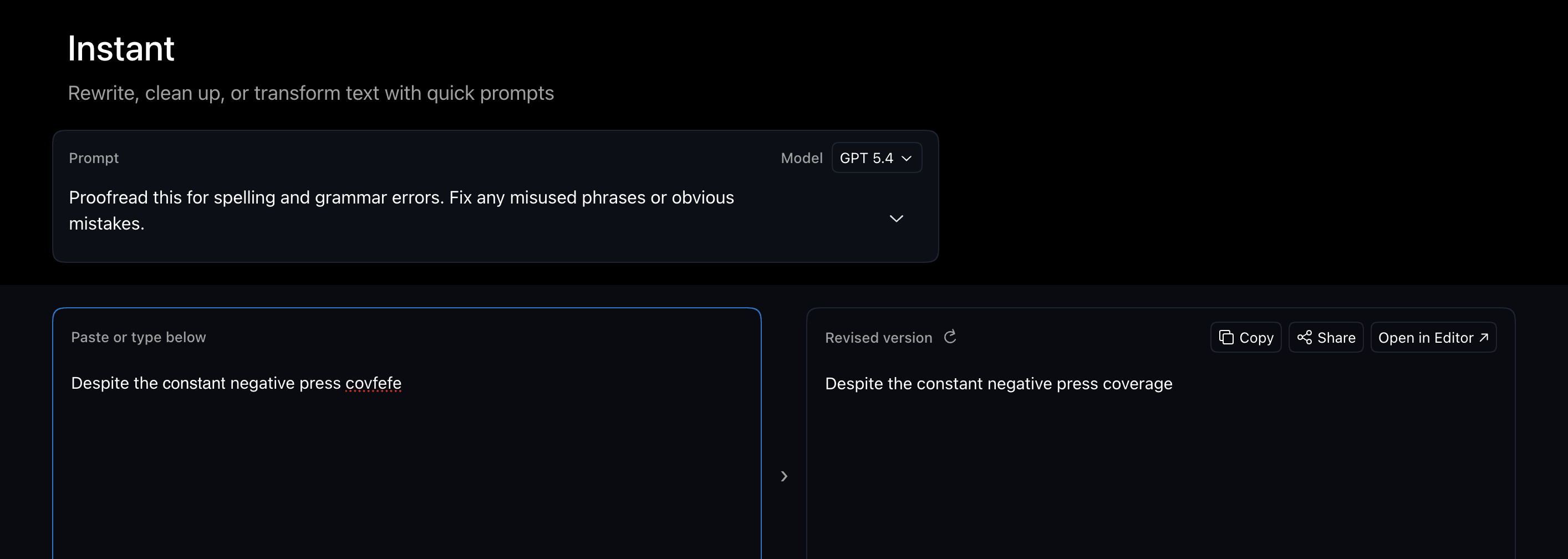
We just launched Revise Instant: a faster way to rewrite, clean up, summarize, translate, and transform text without opening the full editor first.
Choose a prompt or write your own, then paste your text. Instant will give you a revised version immediately. Iterate on your input directly in the Instant UI, or move into the full document editor keep working with the AI agent there.
Instant is faster and uses much less of your monthly limit than the full editor. It's perfect for polishing emails, notes, marketing copy, or other shorter text samples. Instant can be much more efficient for simple repetitive workflows.
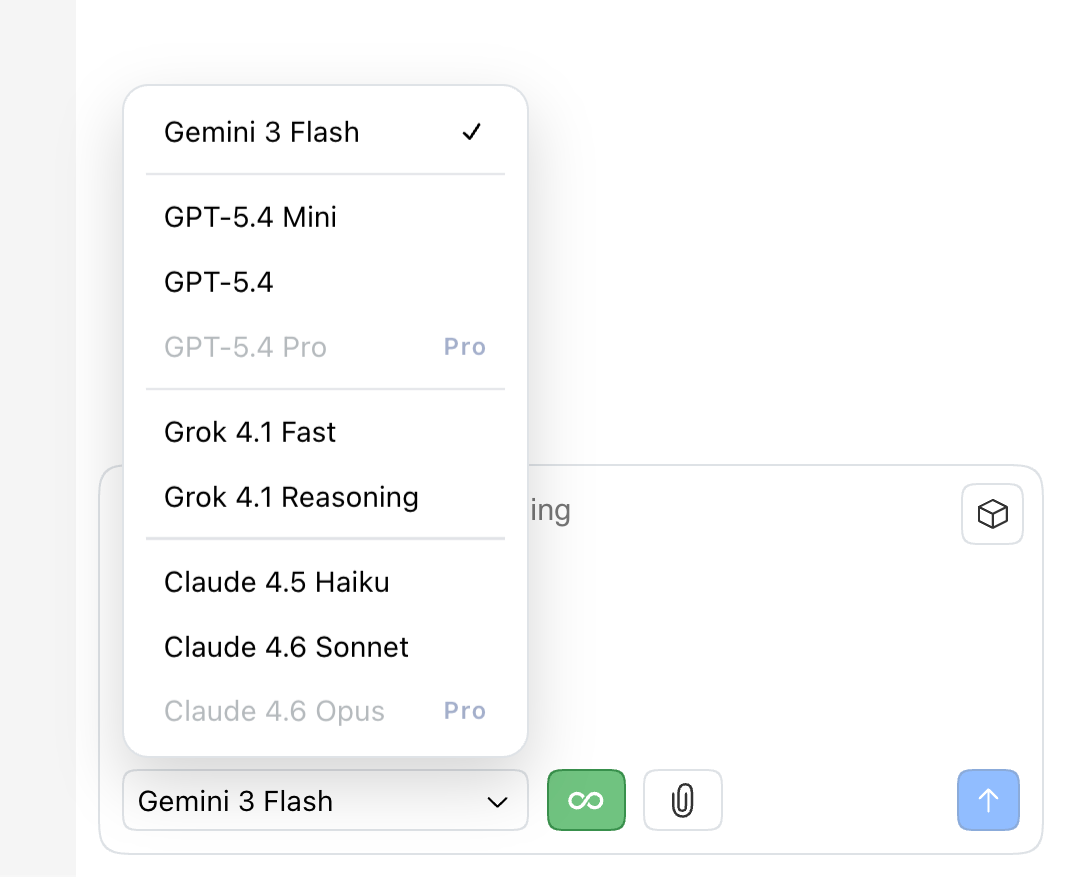
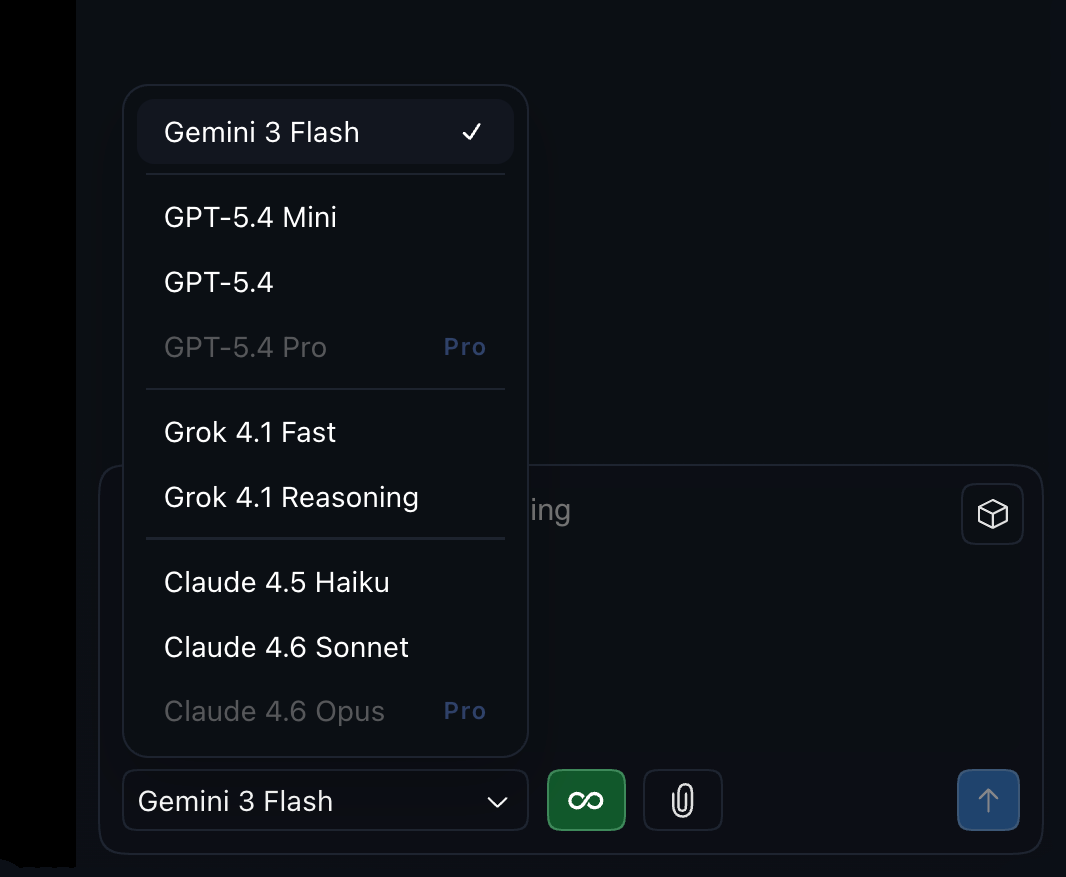
After seeing how much Gemini dominated in our our new LLM proofreading benchmark, we've added support for Gemini 3 Flash!
In initial testing, Gemini 3 Flash is the fastest model in Revise and will use less of your limit than other flagship models like GPT 5.4 or Claude Sonnet. We have noticed Gemini can be a bit more eager than other models and make changes beyond the scope of the initial request, which is something we will keep an eye on as the integration settles.
Extended mode update
Extended Mode is now a simple on/off toggle in the AI chat interface. Click the new button to turn it on.
When in Extended Mode, the agent will work for much longer before pausing to check in with you. This is useful for getting large scale edits done, but use it mindfully because you can also go through your monthly limit faster with vague/open-ended prompts.
The Agent now has better continuity around pending proposed changes and selected text.
Fixed a bug that could cause text to get scrambled after an agent edit was made on formatted text.
Fixed a case where the agent could incorrectly act like it did not have access to the document.
This should make the chat workflow feel more predictable, especially when you are revising large documents over multiple turns and looking at diffs while you talk to the agent.
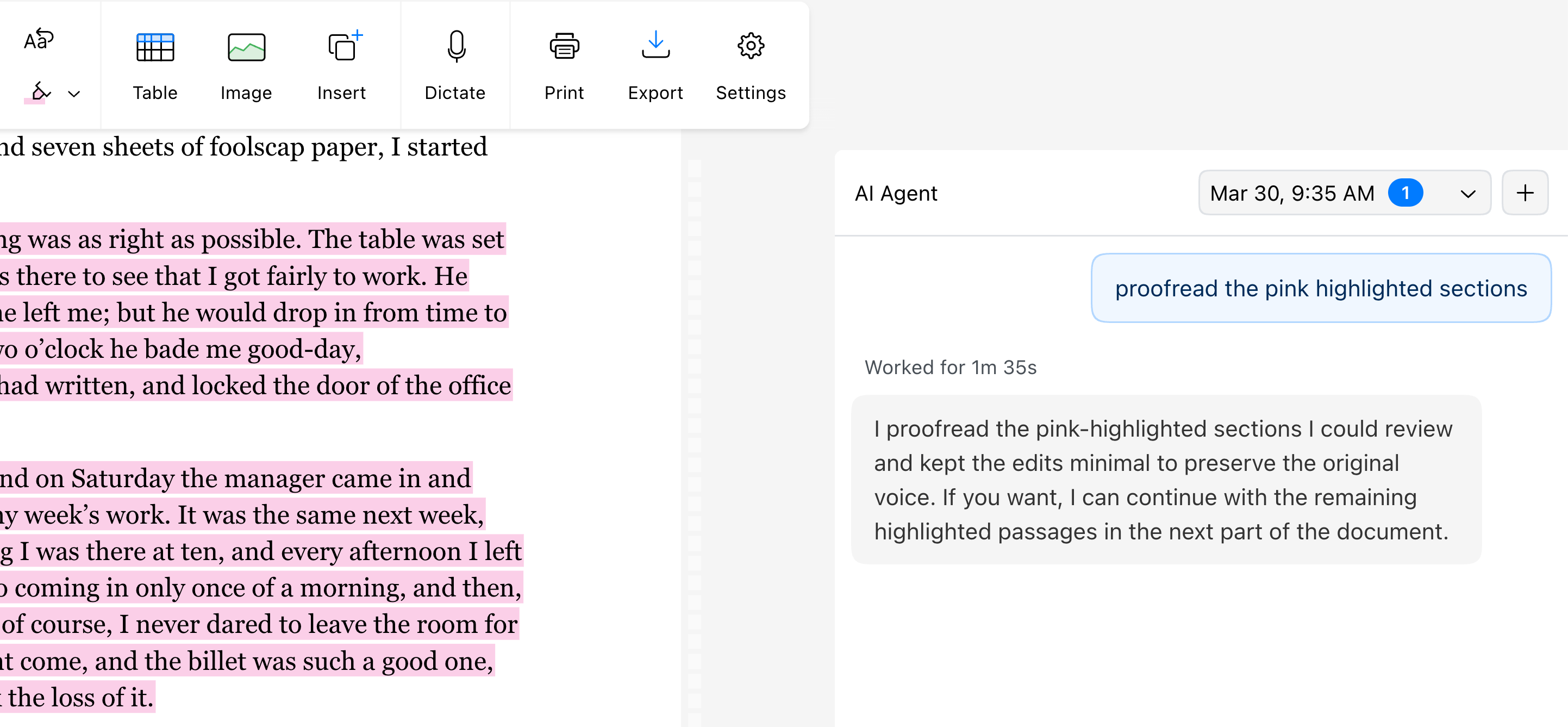
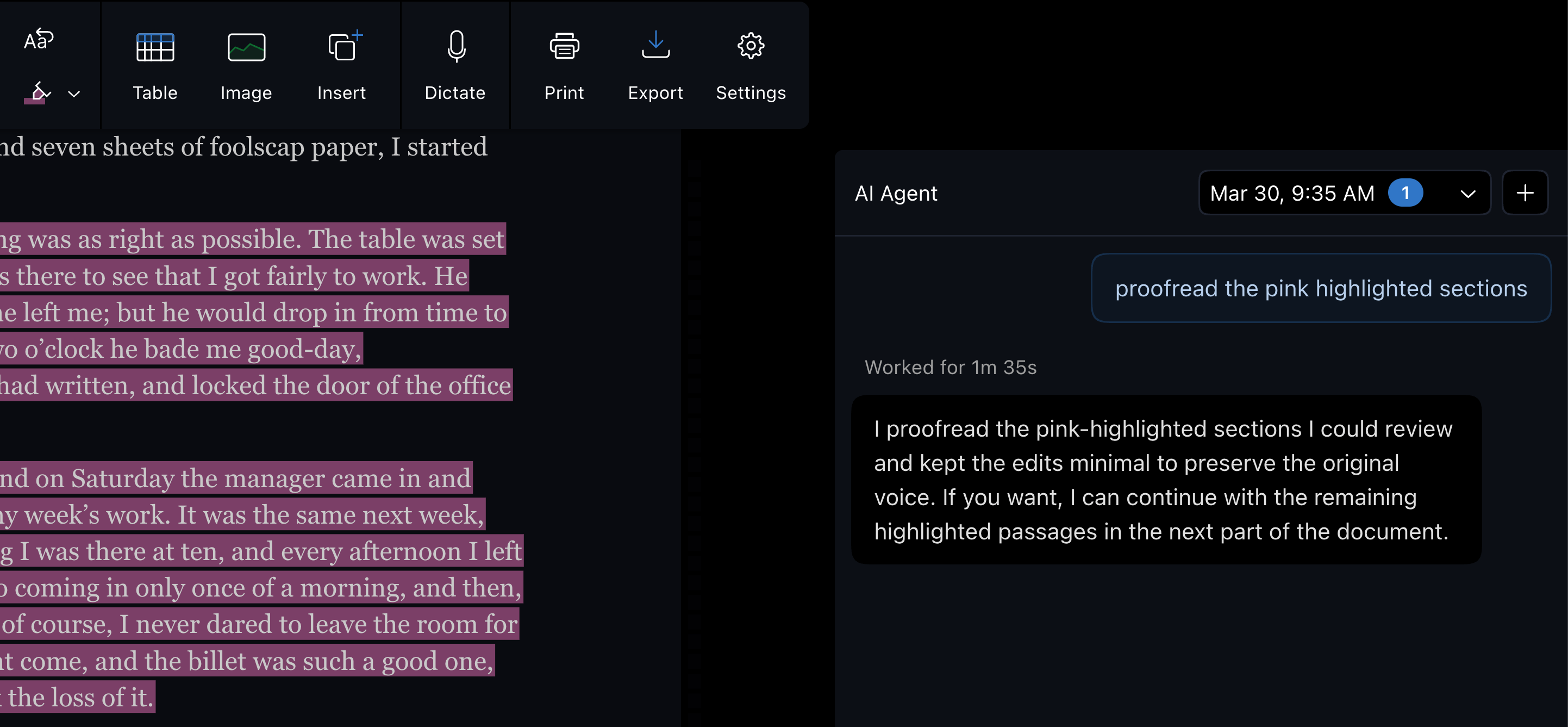
Revise now supports text highlighting with full .docx compatibility. Use the new button to highlight text.
Highlights work like they do in any other word processor, but in Revise they also help the AI agent; use highlights to flag sections of text for the agent, then mention your highlights in a prompt. The agent will quickly pull those passages into context to proofread, revise, rewrite, or anything else you need. You can even refer to highlights by color!
This is especially helpful in long documents, as it helps the agent read in smaller chunks which is faster and uses less of your monthly AI limit.
There is also a new Clear Formatting button in the editor ribbon.